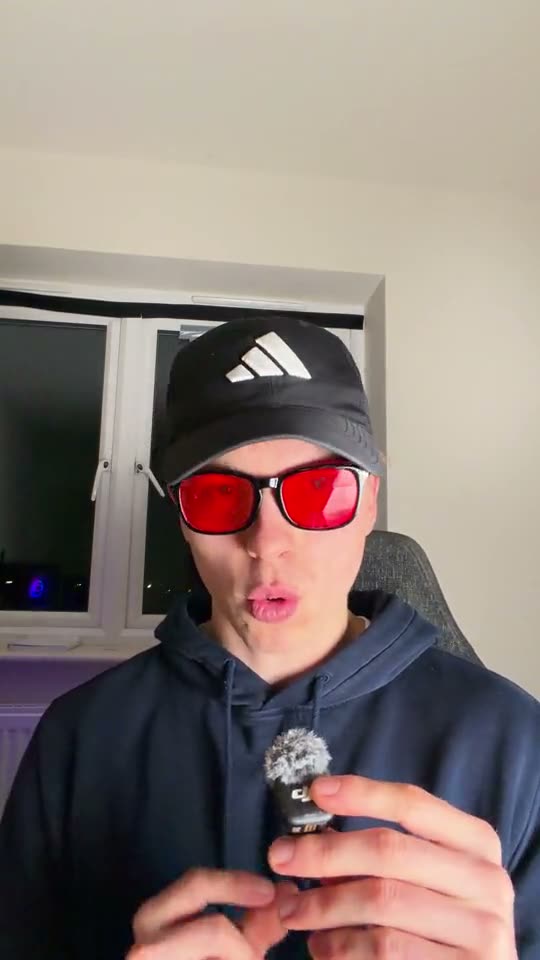
Record messy.
Post clean.
Same take. The retakes and pauses are gone.
Cuts the pauses, ums and retakes from your talking videos, and keeps your best take.
3 free edits · No card needed · Your video stays on your phone
What it cuts
Talk to the camera the way you normally would. CutFluff does the editing you'd do in CapCut, in about 30 seconds.
Pauses and dead airThe silences between lines, tightened so it flows.
soumtoday
Ums, ahs and fillersGone, without clipping the words around them.
Take 1Take 2Take 3
RetakesSaid a line three times? It keeps your best take.
II thinkso
Things said twiceRepeats and false starts, cut down to the version you meant.
How it works
01
Choose your videoStraight from your camera roll.02
AI edits itIt listens, finds the fluff and keeps your best takes.03
Check and saveTap any word to put it back or cut it, then save.
Your video stays on your phone
Your phoneVideo stays here
sound only
Our serverDeleted in 6 hours
Only the sound goes to our server to work out the cuts, and it's deleted within 6 hours. The final video is made on your phone.
Privacy policy
Questions
What videos does it work on?
Anything where you talk to the camera: TikToks, Reels, Shorts, UGC ads and promos.
Can I change what it cut?
Yes. You get the script with every cut marked. Tap a word to put it back, or to cut it.
What's the difference between Natural and Tight?
Natural keeps small breaths so it sounds relaxed. Tight uses a stronger AI, cuts breaths and drawn-out words too, and sounds fast and punchy.
What do free edits include?
Everything, with a small "Made with CutFluff" mark on the video. Pro removes it.
Your next video, minus the fluff.
Sign in to CutFluff
Your first 3 edits are free.
Your edit is almost ready
Sign in to see it. It's one of your 3 free edits.
Account
How should it be edited?
Hooks
Either way, you can still change what's cut afterwards.
One video per hook. Each has its own script below.
Preview skips the cuts as it plays; it can stutter at a jump. The export is exact.
Crossed out is cut. Tap to put it back, or tap a dotted bit to cut it.
Your video is ready
0:00.0 / 0:00.0
Tap a line to fix a word. Clear a line to hide it.